Pharmacy — stock & dispensing
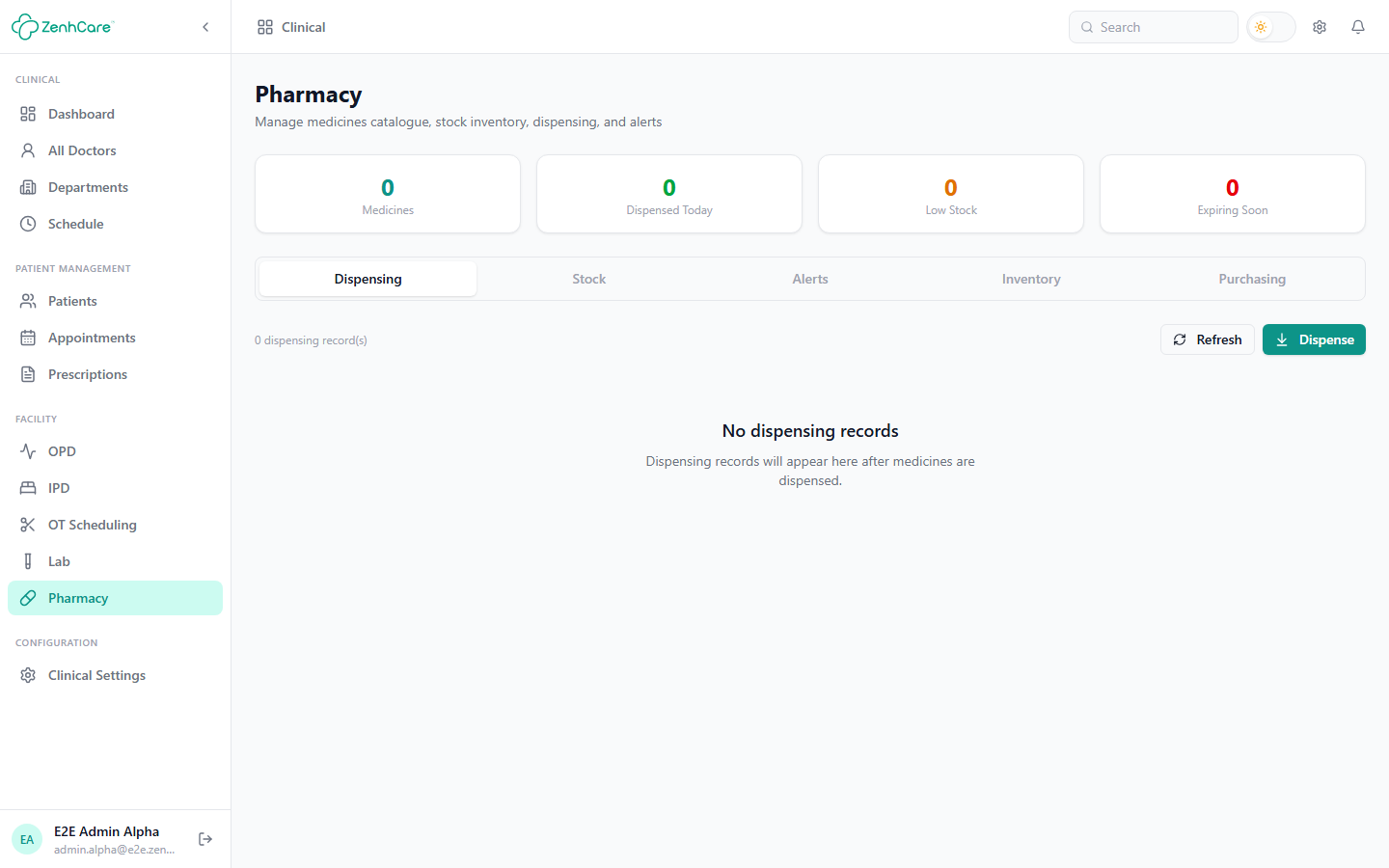
The Pharmacy module (on the Growth and Enterprise plans) runs the medicine counter — catalogue, stock, purchasing, and dispensing. Clinical → Pharmacy leads with Dispensing (the daily job), then Stock, Alerts, Inventory, and Purchasing.
Getting stock in
You dispense from batches of stock, and stock arrives through Purchasing:
- Add a supplier (name and contact).
- Create a purchase order — pick the supplier and add lines (medicine, quantity, unit cost).
- Receive the goods (GRN) — enter each batch's batch number, expiry, and quantity. Receiving creates the stock batch and posts the purchase expense to Finance.
Stock can also arrive from the shared inventory — the Inventory tab bridges the hospital-wide store and the pharmacy either way.
Dispensing
Dispensing → Dispense sells to either a registered patient (optionally against one of their prescriptions, which pre-fills the medicines) or a walk-in / cash buyer (just a name). Add the medicines (or sellable inventory items) and quantities, then Dispense. The sale draws down stock and raises a pharmacy invoice.
A batch needs a selling price
If a batch has no selling price it would dispense at ৳0 — the Stock tab flags these in red. Set the price on the batch before selling it.
Stock, alerts & returns
The Stock tab lists every batch (quantity, cost, selling price, expiry, status) and lets you edit prices, adjust quantity with an audited reason, transfer to shared inventory, write off expired batches in one action, and view a batch's movement log. The Alerts tab surfaces low stock so you reorder before running out. A dispensed sale can be returned, restoring stock and adjusting the invoice.
Related
- Prescriptions — dispensing against a doctor's prescription.
- Billing — the pharmacy sale.